Live Face Swap
Live GeneratorHow to UsePricing

Live Face Swap in Real Time: Preview Looks on Your Camera

Choose a reference portrait and watch your camera change look in real time. Preview results online with under 500ms latency, without a local GPU.

Try Live Generator free for 20 seconds as a guest. No sign-in required.

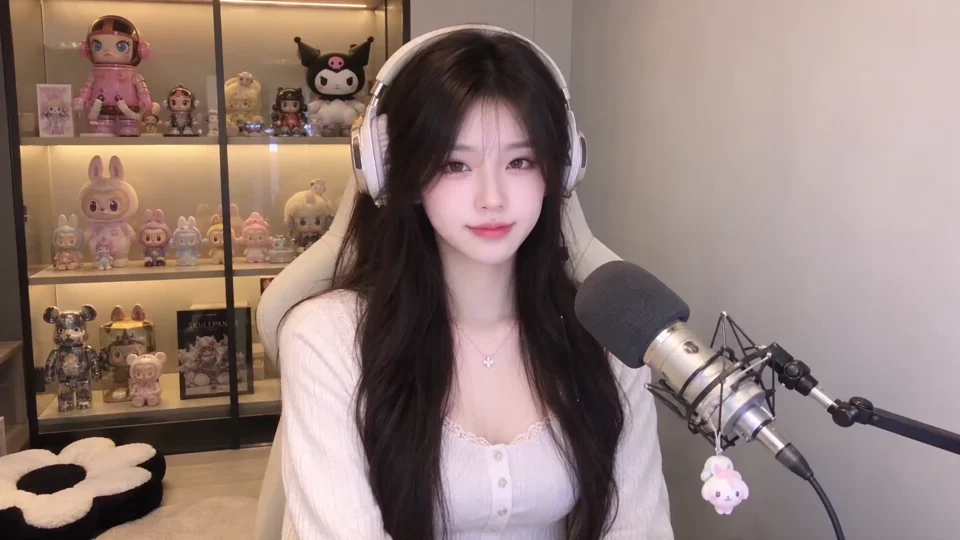
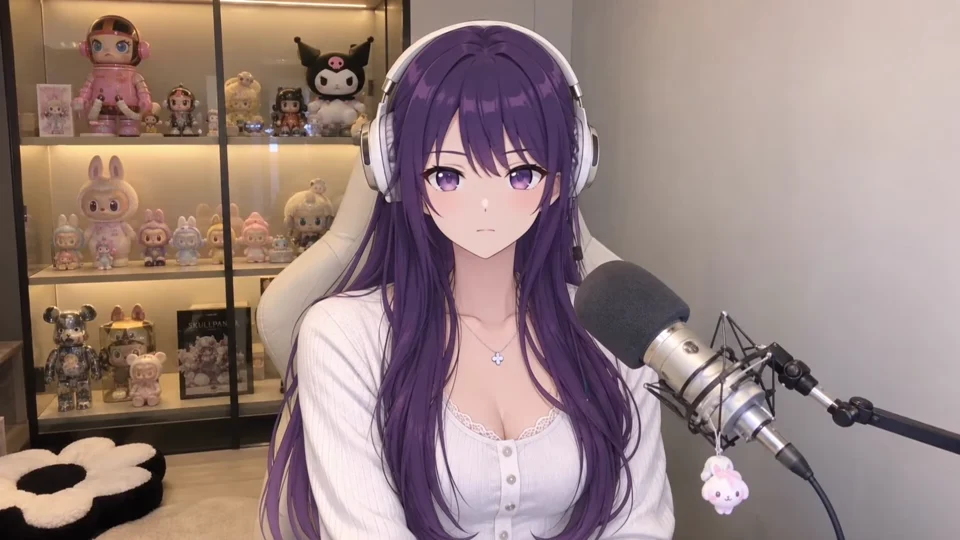
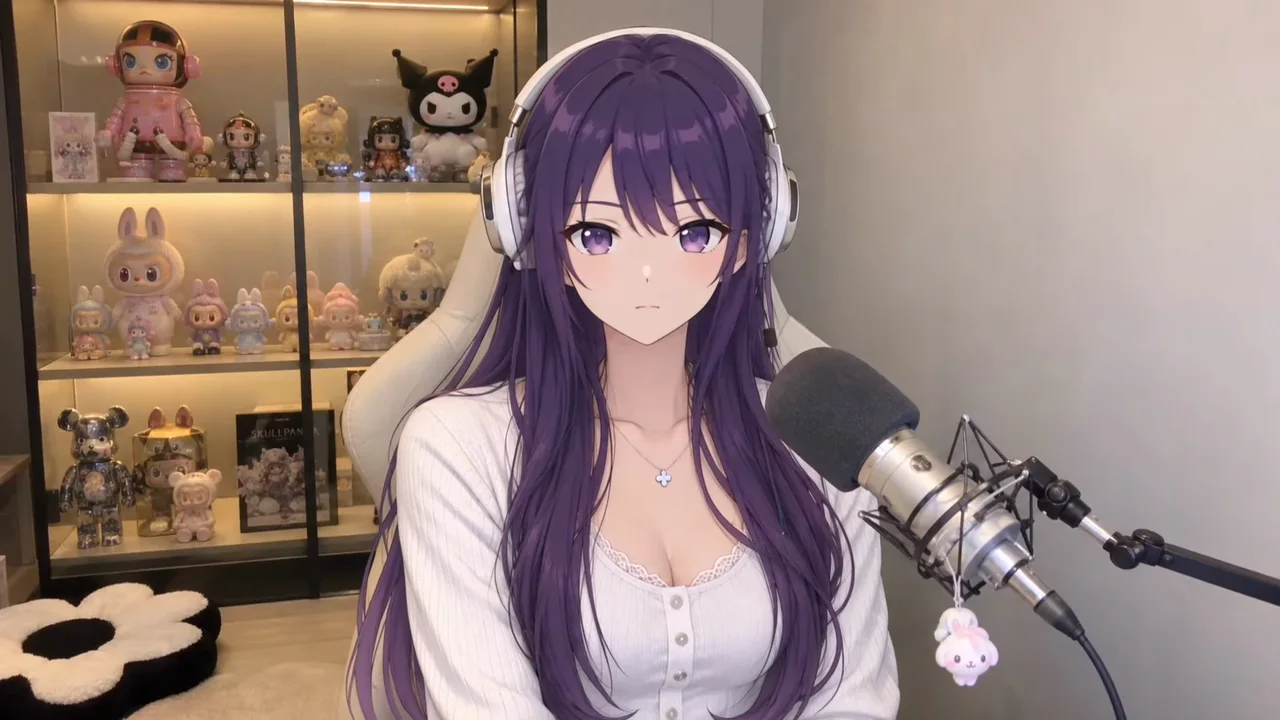
Live Face Swap demonstration showing a streamer transform into an anime character and back in real time
Try Live Face Swap

Live Generator

Explore Face Swap & Try-On Examples

Watch live face swaps and outfit changes, from character looks to fashion previews.

Live Face Swap
Live Face Swap
Live Face Swap
Live Face Swap
Live Face Swap
Live Face Swap

Four Ways to Create with Live Face Swap

Use the browser studio for a live AI transformation, a four-scene photo challenge, a reaction-sheet edit, or a one-person short skit. Each mode builds on the photos and clips you create.

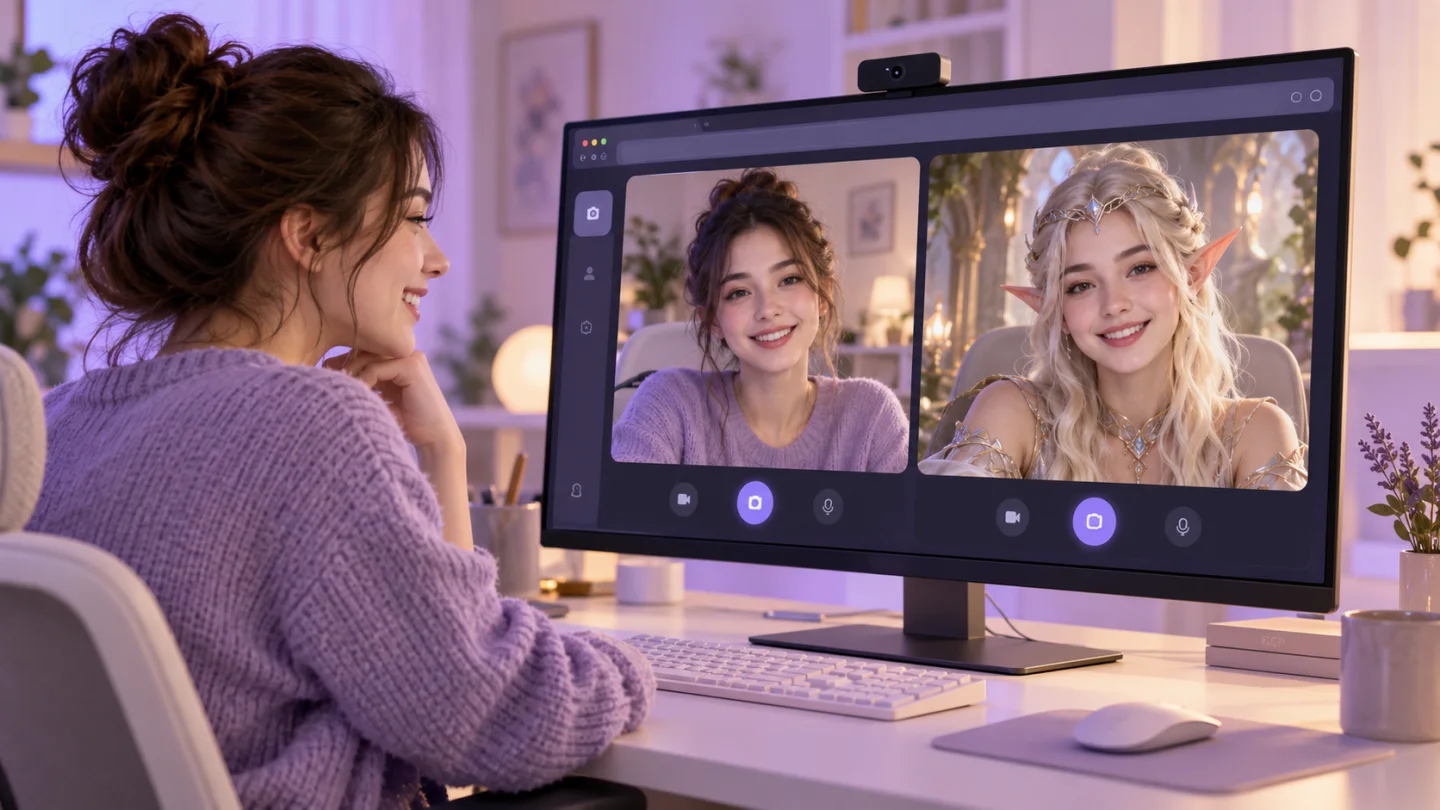
Creator comparing her webcam feed with a transformed character on a live AI screen

Live Generator: swap looks on camera

Choose a gallery reference or upload your own portrait, open your webcam, and compare the original feed with the live AI output. Change references while the effect runs, then keep a still photo or record the transformed video.

  • •Explore Face Swap, Try-On, Restyle, Custom Prompt, Character Interaction, and Motion Control modes.
  • •Take photos at any moment or record video with optional audio from your microphone.
  • •Find saved photos and recordings in My Creations for later review or download.
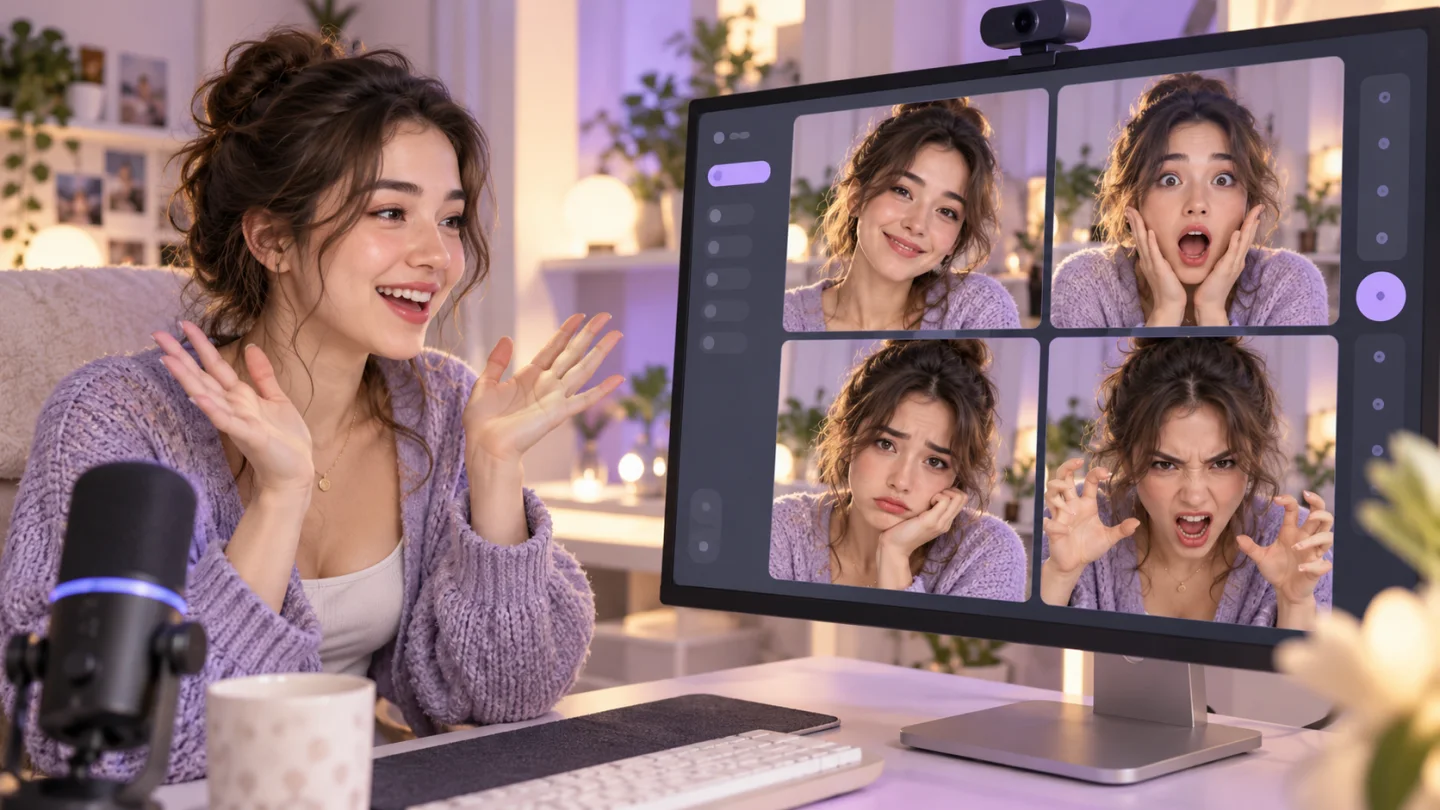
Four different expressions from the same creator arranged in a two-by-two story sheet

Theme Quest: tell a story in four expressions

Pick a ready-made story, follow four on-screen expression prompts, and capture each moment from the live AI output. Retake a scene when you want a better expression, then make a four-panel story or vertical photo strip.

  • •Choose an expression, payday, or villain story with its own scene prompts.
  • •Use the three-second timer, retake individual scenes, and edit each photo caption.
  • •Each captured photo is saved to My Creations; download the completed PNG.
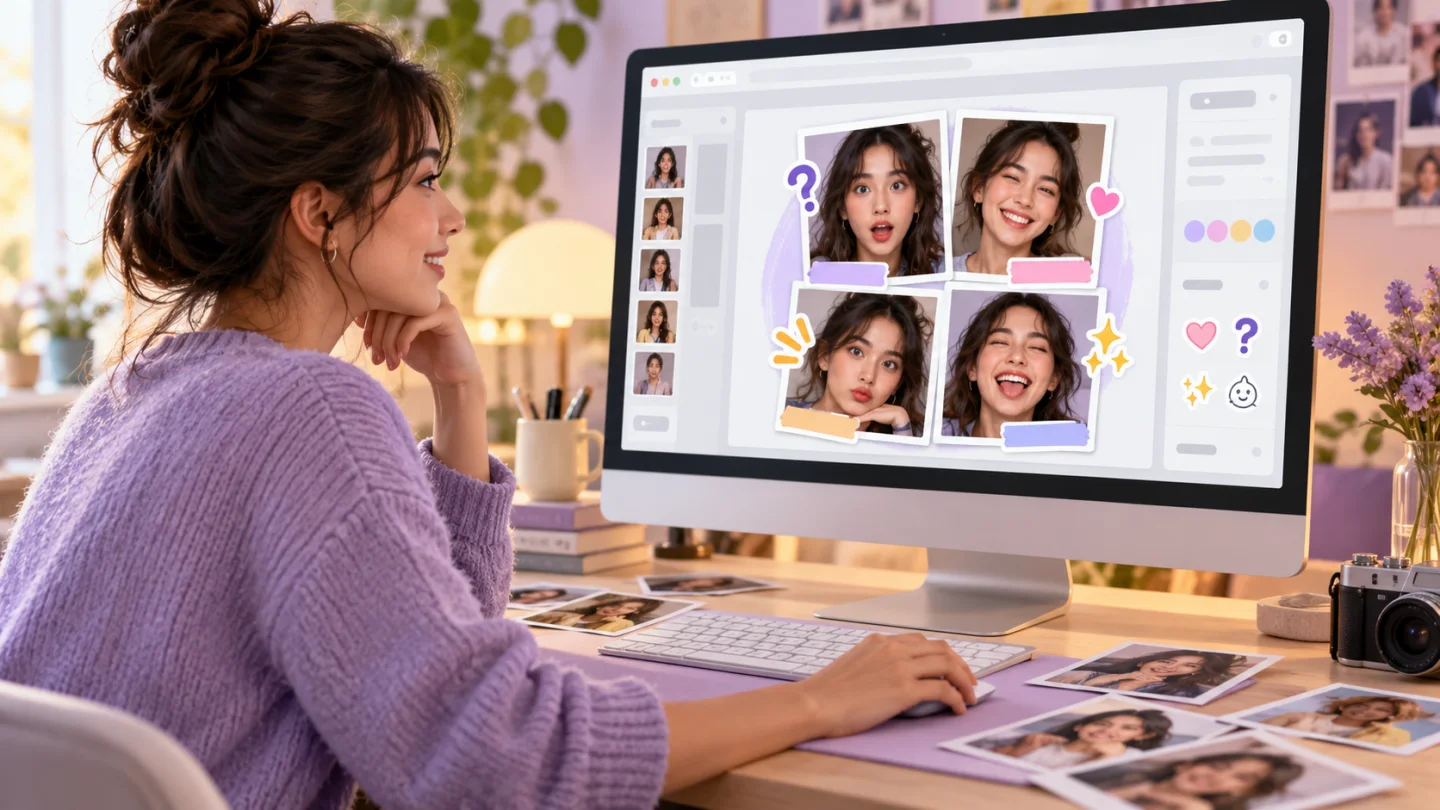
Four-panel reaction sheet with captions, stickers, and photo frames in a browser editor

Reaction Studio: remix your four photos

Select four images from My Creations or continue with Theme Quest captures. Add a caption to each frame, decorate it with reaction stickers, and export a finished meme or reaction sheet without starting another AI session.

  • •Choose bottom-bar, meme, or label text, plus clean, Polaroid, or comic frames.
  • •Move and resize stickers, reorder photos, and switch between a 2 × 2 grid and a vertical strip.
  • •Undo and redo edits, replace any photo, and download a PNG without using generation credits.
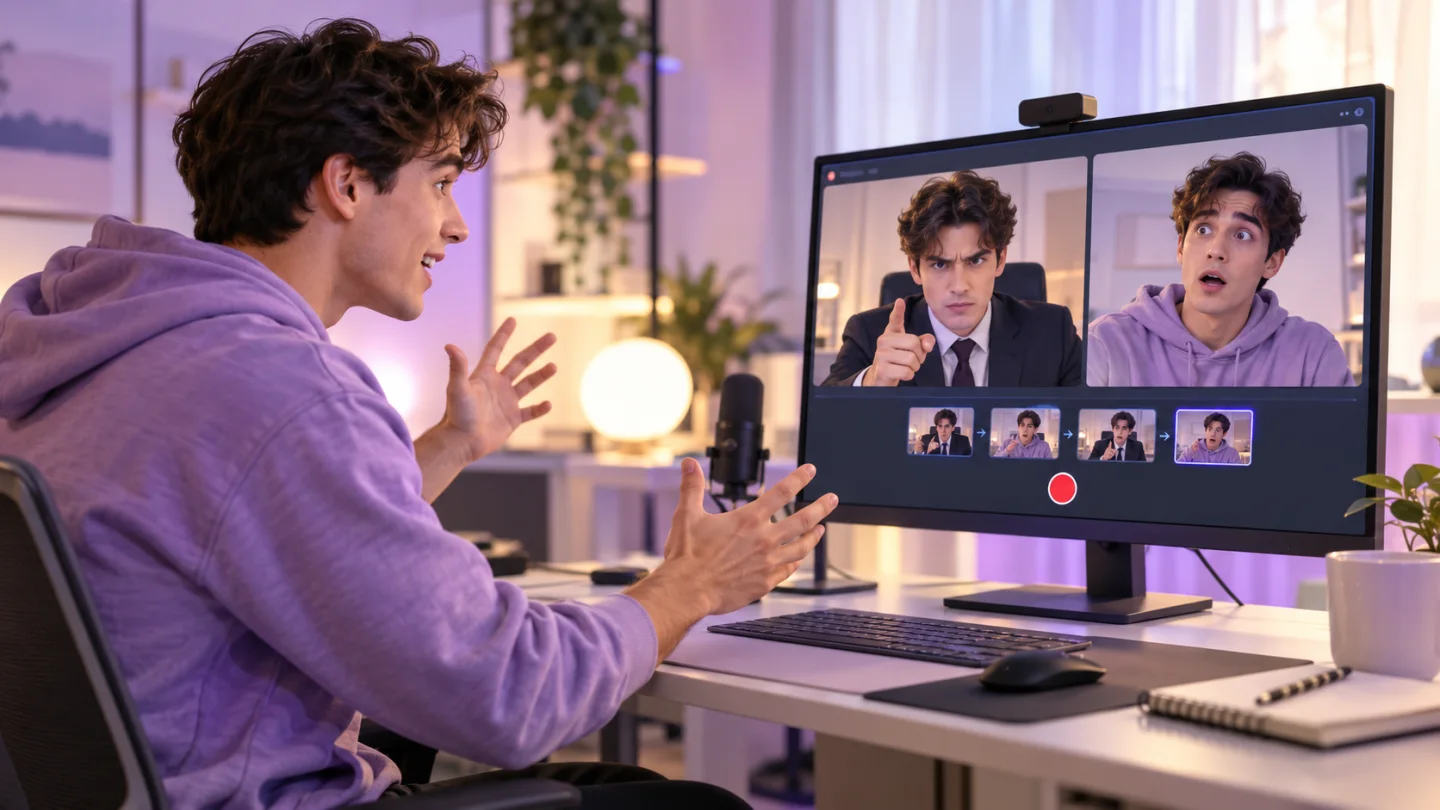
One performer switching between boss and employee characters for a recorded mini skit

Mini Theater: play two characters yourself

Assign a different reference face to each role, then act out a short scene alone in front of the camera. Follow an editable script one line at a time or switch roles freely while the live AI output changes with you.

  • •Start with office, fantasy tavern, detective, or inner-dialogue scripts; edit lines and cues before acting.
  • •Advance lines manually, or switch roles with the role cards and 1 / 2 keys in free mode.
  • •Record with your original voice if you enable the microphone; download the clip or save it to My Creations.

How Live Video Face Swap Works

Your camera provides the live video. Cloud AI applies the selected reference and shows the transformed result beside your original camera view.

  1. 01

    Position Your Face in Frame

    Enable your webcam and keep one face clearly visible. Your camera feed supplies the movement and framing used for the live transformation.

  2. 02

    Process the Look in the Cloud

    Cloud AI applies your selected reference, so you do not need to download model files or use a powerful local GPU. A stable connection keeps the session responsive.

  3. 03

    See the Result in Under 500ms

    Live Face Swap returns the AI result with latency below 500ms. Sessions are not recorded automatically. Recorded Live Generator videos, Mini Theater clips, and photos can be saved to My Creations.

How to Use Live Face Swap in 3 Steps

Your first live transformation, in three simple steps.

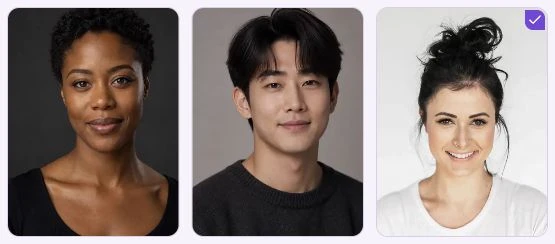
  1. Portrait references in the Live Face Swap gallery, with one face selected.
    01

    Choose your reference

    Pick a face from the gallery or upload a clear portrait you have permission to use.

  2. Original camera view of a creator before the live transformation.
    02

    Open your camera

    Allow camera access and keep your face in frame. Your local preview helps you check the lighting and angle.

  3. The creator’s camera view transformed into an anime character.
    03

    Start your live transformation

    Press Start for a free 20-second guest trial, or sign in for a longer session. Compare your camera with the AI output, then pick another reference to switch looks while live.

Try Live Face Swap

Pricing

Choose the plan that works best for you

Pricing

Basic

For occasional live sessions

$19$9.5/month
$114/yearSave 50%

Total usage time / year

Granted monthly

5h
  • 1,500 credits/month
  • 1 credit per second
  • 25m of live use per month
  • All live face swap modes
  • Unused credits carry over; each grant expires after 60 days
  • Browser-based; no local GPU needed
  • Credit usage history
  • Extra credit packs available anytime
Popular

Pro

For regular live sessions

$39$19.5/month
$234/yearSave 50%

Total usage time / year

Granted monthly

15h
  • 4,500 credits/month
  • 1 credit per second
  • 1h 15m of live use per month
  • All live face swap modes
  • Unused credits carry over; each grant expires after 60 days
  • Browser-based; no local GPU needed
  • Credit usage history
  • Extra credit packs available anytime

Max

For longer, frequent live sessions

$99$49.5/month
$594/yearSave 50%

Total usage time / year

Granted monthly

36h 40m
  • 11,000 credits/month
  • 1 credit per second
  • 3h 3m 20s of live use per month
  • All live face swap modes
  • Unused credits carry over; each grant expires after 60 days
  • Browser-based; no local GPU needed
  • Credit usage history
  • Extra credit packs available anytime

Cancel anytime

Questions About Live Webcam Face Swapping

Find answers about reference photos, camera access, credits, privacy, and preparing a live preview.

We do not save your original camera feed. Recording starts only when you press Record. Live Generator saves recorded AI video to My Creations when you stop. Mini Theater clips are saved only if you choose. Photos stay in My Creations until you delete them.

Allow camera access in your browser, then choose a gallery preset or a portrait you have permission to use. Select an effect and start the session to compare your camera view with the live AI output.

No app installation or powerful local GPU is needed. Live Face Swap runs in a supported browser while the AI processing runs in the cloud. You need a camera, camera permission, and a stable internet connection.

Choose one clear, front-facing portrait with visible eyes, mouth, and face outline. Even lighting makes it easier to compare the reference with your camera view. Avoid blurred photos, heavy shadows, and group shots. Use your own image or a portrait you have permission to use.

During an active session, Live Face Swap displays the AI result with latency below 500ms. Initial camera permission and session setup take additional time. A stable connection and clear camera view help keep the preview responsive.

New accounts receive 40 starter credits valid for 30 days, enough for up to 40 seconds of Live Face Swap at 1 credit per second. After that, buy a credit pack or plan. Usage is rounded up once per session, and unused reserved credits are returned.

You can use the browser preview to plan a look for a video call or live stream. It does not send the AI output directly to OBS, Zoom, or other apps as a virtual camera; that requires a supported integration.

In Live Generator, press Record video while the AI effect is live, then stop recording. The transformed video saves to My Creations automatically and can also be downloaded. Mini Theater clips can be saved there on request. Microphone audio is optional.

Start a Real-Time Face Swap in Your Browser

Explore a reference face, check your webcam preview, and try a live transformation right now.

Try Live Face Swap
Live Face Swap demonstration showing a streamer transform into an anime character and back in real time
Live Face Swap

Live Face Swap pairs a reference face with your webcam for real-time AI looks in your browser.

Product
Live GeneratorPricing
Explore
ExamplesHow It WorksHow to Use
Legal
Privacy PolicyTerms of ServiceSupport
🇺🇸English🇮🇹Italiano🇪🇸Español🇫🇷Français🇯🇵日本語🇨🇳简体中文
© 2026 Live Face Swap, All rights reserved